

Your site might look great, load reasonably fast on your laptop, and still be failing the exact signals Google uses to evaluate page quality. Core Web Vitals explained simply: they are three specific performance metrics Google uses to measure real user experience, and they are a confirmed ranking factor. If your site fails them, it is competing at a disadvantage before a single piece of content is evaluated.
Most businesses do not know their Core Web Vitals scores. Fewer understand what the numbers actually mean or what causes them to fail. This post breaks down each metric, what passes versus fails, what commonly causes problems, and what fixes actually move the needle.
What Are Core Web Vitals and Why Google Uses Them
Google’s entire business depends on sending users to pages that deliver a good experience. Core Web Vitals are the framework Google built to measure that experience in a standardized, data-backed way. They focus on loading performance, interactivity, and visual stability because those are the three dimensions of page experience that most directly affect whether a user stays or leaves.
These metrics are measured two ways. Lab data comes from controlled testing tools like PageSpeed Insights or Lighthouse. Field data comes from real users visiting your site, collected through the Chrome User Experience Report. Google weighs field data more heavily because it reflects actual user experience across real devices, connections, and locations.
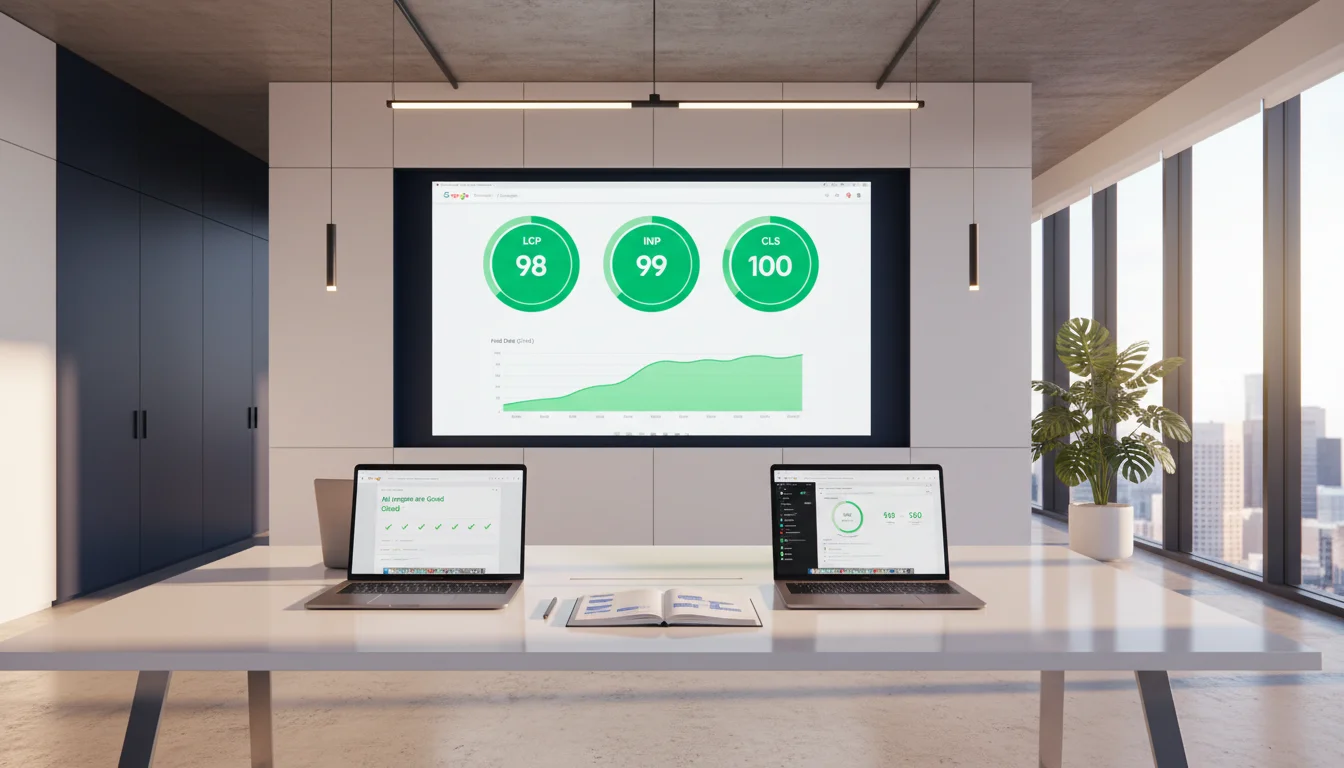
This distinction matters. A site can look fine in a lab test run from a fast desktop connection and still fail field data benchmarks because the majority of its real visitors are on slower mobile connections in cities like Houston, Atlanta, or Chicago where network conditions vary. Lab data tells you what is possible. Field data tells you what is actually happening.
If you are not already familiar with the broader technical SEO picture these metrics fit into, the guide on what-is-technical-seo covers how Core Web Vitals connect to crawlability, indexability, and the full set of signals that determine whether your pages can rank.
Core Web Vitals Explained: The Three Metrics
Largest Contentful Paint (LCP)
LCP measures how long it takes for the largest visible element on the page to load. That is usually a hero image, a large heading, or a featured content block. It is the metric closest to what a user experiences as “the page loaded.”
Benchmarks:
| Score | LCP Time |
| Good | Under 2.5 seconds |
| Needs Improvement | 2.5 to 4.0 seconds |
| Poor | Over 4.0 seconds |
The most common causes of a slow LCP are unoptimized images, render-blocking JavaScript or CSS files loading before the page content, slow server response times, and no content delivery network for sites serving US visitors across multiple regions.
Fixing LCP typically involves compressing and converting images to modern formats like WebP, preloading the LCP element so the browser prioritizes it, and reducing server response time through caching and hosting improvements.

Interaction to Next Paint (INP)
INP replaced First Input Delay as a Core Web Vital in 2024. It measures how quickly a page responds to all user interactions throughout the entire visit, not just the first one. Every click, tap, and keystroke is measured, and the score reflects the worst-performing interaction during the session.
Benchmarks:
| Score | INP Time |
| Good | Under 200 milliseconds |
| Needs Improvement | 200 to 500 milliseconds |
| Poor | Over 500 milliseconds |
INP failures are almost always caused by heavy JavaScript. Bloated plugins, excessive third-party scripts, or poorly written custom code blocks the main thread and prevents the browser from responding to user input quickly. We have seen this across dozens of audits on WordPress sites loaded with page builder plugins and tag manager scripts stacked on top of each other.
The fix is JavaScript auditing and reduction. Identify which scripts are blocking the main thread, defer or remove non-essential third-party scripts, and break up long tasks that hold the browser’s processing thread too long.
Cumulative Layout Shift (CLS)
CLS measures visual stability. Specifically, it scores how much the page layout unexpectedly shifts while loading. When a font loads and pushes text down, when an image loads without reserved space and bumps content, or when a cookie banner pops in and moves the page, those are layout shifts. CLS quantifies the severity of that movement.
Benchmarks:
| Score | CLS Score |
| Good | Under 0.1 |
| Needs Improvement | 0.1 to 0.25 |
| Poor | Over 0.25 |
CLS failures are some of the most fixable issues in Core Web Vitals. Images without defined width and height attributes, fonts loaded without a fallback matching the final font size, and dynamically injected content like ads or banners inserted above existing content are the most common causes. The fix is reserving space before content loads.
How to Check Your Core Web Vitals Scores
You do not need to guess where your site stands. These tools give you real data.
Google Search Console
The Core Web Vitals report shows your field data across all pages, grouped as Good, Needs Improvement, or Poor. This is the most important report because it reflects what Google is actually seeing from real users. Check it first.

PageSpeed Insights
Enter any URL and get both lab and field data for that specific page. It identifies which metrics are failing and often pinpoints the specific elements causing the problem. Use this for page-level diagnosis after Search Console flags problem areas.
Chrome DevTools
For deeper diagnosis, the Performance tab shows exactly what is happening during page load, where JavaScript is blocking rendering, and what the main thread is processing. This is for technical users or developers tracing a root cause.
Lighthouse
Built into Chrome DevTools and available standalone, Lighthouse runs lab tests and scores pages across performance, accessibility, SEO, and best practices. It is the right tool for testing before a page goes live.
Common Mistakes That Cause Core Web Vitals Failures
Most businesses do not fail Core Web Vitals because of one catastrophic problem. They fail because of several smaller ones stacked together.
Uploading images without optimizing them first
A 4MB hero image uploaded directly from a camera or design file will fail LCP almost every time. The fix is straightforward: compress images before upload, serve them in modern formats like WebP, and use responsive sizing so mobile users are not downloading desktop-sized files. This single change improves LCP more consistently than almost anything else we implement.

Running too many third-party scripts
Analytics tags, chat widgets, ad pixels, marketing automation scripts, heatmap tools. Each one adds weight to the main thread and slows LCP and INP. Individually they seem small. Stacked together, they create serious drag. Audit what is actually running on your pages and cut anything that is not generating measurable business value.
Not setting image dimensions in HTML
When a browser does not know an image’s dimensions before it loads, it cannot reserve space for it. The image loads, the layout shifts, the CLS score takes a hit. Adding explicit width and height attributes to image tags is a quick development fix with a real impact on CLS scores. It is also one of the most commonly skipped steps in page builds.
Relying on lab scores and ignoring field data
A site that passes Lighthouse on a developer’s machine and fails in Google Search Console is a common scenario. Real users visit from mobile devices on variable connections. Field data is what Google ranks on. If there is a gap between your lab scores and your Search Console report, the field data is the number that matters.
Skipping Core Web Vitals after a site redesign
A redesign that introduces a new page builder, new image framework, or new third-party integrations can fail metrics that passed before. We have seen sites go from good scores to failing all three metrics after a platform migration because no one ran a post-launch performance check. Make Core Web Vitals a standard part of any launch or migration checklist.
For a full walkthrough of the broader performance and technical issues that sit alongside Core Web Vitals, the page-speed-optimization guide covers the complete stack of speed improvements in the right sequence.
What Fixing Core Web Vitals Actually Produces
Fixing Core Web Vitals is not just a ranking exercise.

The metrics exist because they measure real user experience, and improving real user experience has downstream effects that go beyond search. Businesses that move from failing to passing Core Web Vitals typically see two things happen. Pages that were held back by technical quality signals begin to compete more effectively in search. And user behavior improves because faster pages with stable layouts see lower bounce rates and longer engagement, which reinforces the ranking signal over time.
We have worked with businesses across multiple US markets, and the pattern is consistent. The technical fix creates the conditions for content and authority work to perform. All three have to function together.
FAQs
Do Core Web Vitals directly affect Google rankings?
Yes. Google confirmed Core Web Vitals as ranking signals when it launched the Page Experience update. They are one factor among many, so they do not override strong content and authority outright. But in competitive markets, they create a measurable disadvantage for pages that fail when competing against pages that pass. Fix them.
Which Core Web Vital should I fix first?
Start with LCP. It has the most direct impact on perceived load speed, it affects every page on your site, and image optimization alone often produces meaningful improvement. Fix INP next if you have interactive pages like eCommerce product pages or web apps. CLS is usually the fastest to resolve once the specific causes are identified.
How long does it take to see results after fixing Core Web Vitals?
Lab scores change immediately after fixes are implemented. Field data in Google Search Console updates over a rolling 28-day window, so allow four weeks for improvements to fully reflect. Ranking changes driven by improved Core Web Vitals scores typically appear over one to three months as Google re-evaluates the affected pages.
Does Core Web Vitals performance matter more on mobile or desktop?
Mobile, without question. Google uses mobile-first indexing, meaning it evaluates and ranks based on the mobile version of your site. Always prioritize mobile performance in both diagnosis and fixes, and always test on real mobile devices or accurate simulations rather than just desktop browsers.
Can slow hosting cause Core Web Vitals failures?
Yes, and more often than businesses realize. Slow server response time, measured as Time to First Byte, delays the start of the entire load process and directly causes LCP failures. Shared hosting with resource limits, servers without caching, or infrastructure located far from your primary audience can all produce poor scores regardless of how well the page itself is built. Upgrading hosting or adding a CDN is sometimes the single highest-leverage fix available.
The Bottom Line
Core Web Vitals are not a compliance checkbox. They are signals that reflect whether your site actually works well for real users on real devices. Businesses that treat them as a ranking exercise miss the point entirely.
The metrics exist because user experience and search performance are the same thing, just measured differently. Fixing them removes the technical barriers that prevent good content and real authority from translating into rankings and revenue. That is what core web vitals explained actually means in practice: not just three scores on a report, but the conditions that allow everything else in your SEO strategy to work.
Want to know exactly how your site scores and what to fix first?
Start with a free SEO audit and find out exactly where your site stands. We will identify which metrics are failing, what is causing them, and what the fixes actually involve. Visit our Technical SEO Service Page to learn more about how we approach performance and technical health.